Homepage Design Guide: How to Turn Visitors into Customers (2026)
You Only Get One First Impression
Imagine walking into a business for the first time. The reception area is untidy. Nobody greets you. There are no signs. You don't know where to go. You'd probably leave.
Your homepage creates exactly the same kind of first impression.
The homepage isn't there to tell your entire story. Its job is much simpler. It should quickly answer three questions:
- What do you do?
- Why should I trust you?
- What should I do next?
If your homepage answers those questions clearly, you've already removed many of the barriers that stop visitors becoming customers.
Quick Summary
- The purpose of a homepage.
- The sections every homepage should include.
- Common homepage mistakes.
- How to build trust immediately.
- A homepage checklist you can use today.
What Is the Purpose of a Homepage?
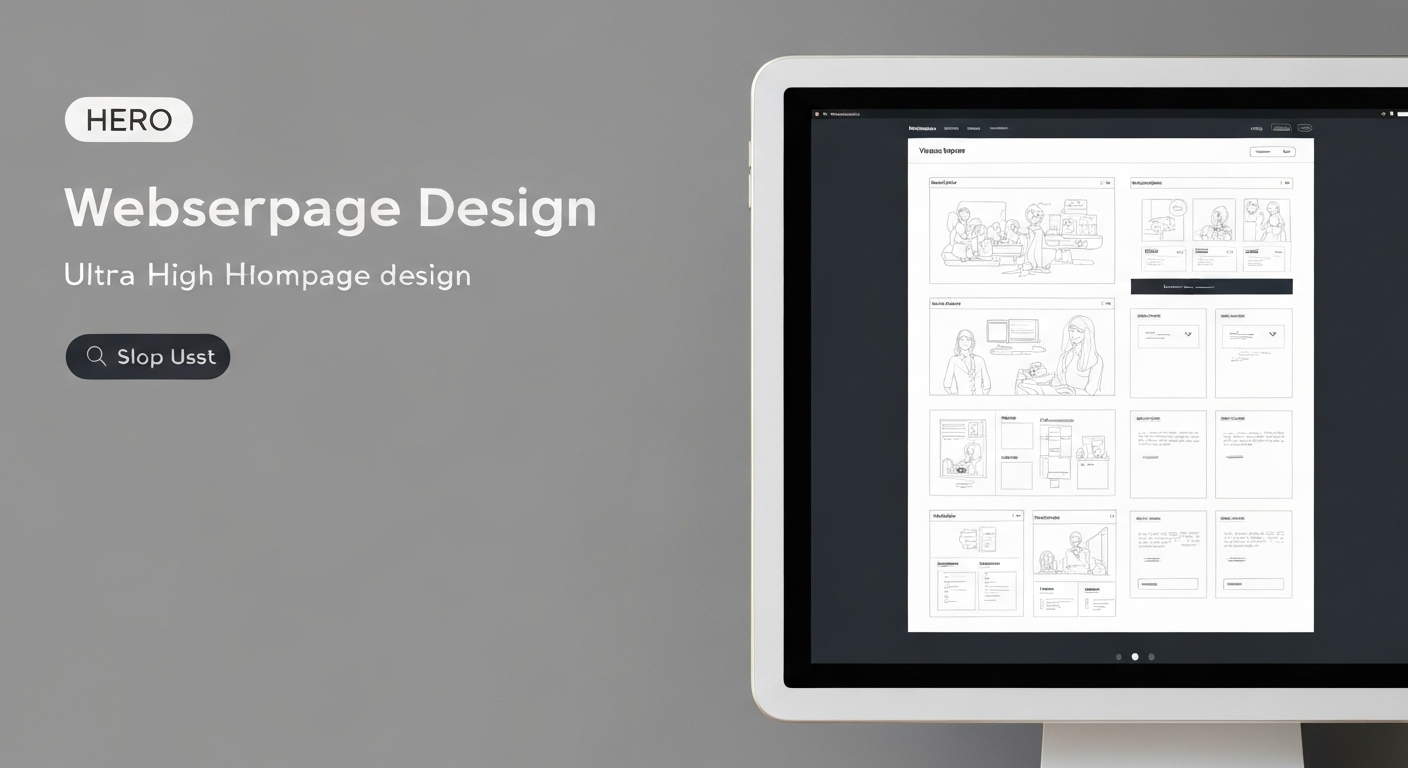
Many business owners believe the homepage should explain everything. It shouldn't. Think of your homepage as the entrance to a building. Its role is to welcome visitors, help them understand where they are, and guide them to the information they need.
A great homepage should introduce your business, explain who you help, highlight your core services, build trust, and encourage action. The detailed information belongs on your service pages—not all on the homepage.
Section 1 – A Clear Hero Section
The hero section is the first thing visitors see. It should immediately communicate what your business does, who it's for, the main benefit, and a clear call to action.
Strong Example:
AI Receptionists, Professional Websites & Local SEO That Help Businesses Grow
"Helping businesses answer more enquiries, improve their online presence, and attract more customers through intelligent digital solutions."
There should never be any doubt about what your business offers.
Section 2 – Explain Your Core Services
Visitors shouldn't need to search for what you do. Present your main services in a simple, visual layout. For Dataspec Patrick Reidin this could include AI Receptionists, Website Design, Local SEO, Google Business Profile Optimisation, Google Review Solutions, and AI Business Automation. Each service should link to its own dedicated page. This improves both usability and SEO.
Section 3 – Build Trust Early
People don't want to be convinced. They want reassurance. Include trust signals near the top of the homepage, such as customer testimonials, Google review rating, years of experience, businesses served, case studies, certifications, and industry partners. Visitors should feel confident before they start comparing prices.
Section 4 – Focus on Benefits, Not Features
Many homepages list features. Customers care about outcomes.
- Instead of: "AI-powered conversational platform." Say: "Never miss another customer call—even outside business hours."
- Instead of: "Responsive website development." Say: "Fast websites designed to turn visitors into enquiries."
Translate every feature into a business benefit.
What You Can Do Today
Open your homepage and read only the first screen without scrolling. Ask yourself:
- Would a first-time visitor understand exactly what we do?
- Is there one clear call to action?
- Is there an obvious reason to trust us?
- Would I know where to click next?
If the answer to any of those questions is "no", your homepage already has room for improvement.
Section 5 – Explain Why Customers Should Choose You
Visitors don't just compare prices. They compare confidence. After introducing your services, answer the question every potential customer is asking: "Why should I choose your business instead of someone else?" Keep this section focused on outcomes.
Avoid making unsupported claims such as "We're the best." Instead, explain how you work and the value customers receive.
Section 6 – Showcase Your Work
People trust evidence. Instead of simply saying you're experienced, show examples. Depending on your business, this could include recent website projects, before-and-after redesigns, Google Business Profile improvements, Local SEO success stories, and AI receptionist implementations.
Section 7 – Add Customer Testimonials
Testimonials help answer questions visitors may still have. Was the business easy to work with? Did they deliver on their promises? Would previous customers recommend them?
Whenever possible, include customer name, business name, photo or logo, and a short, authentic quote. If your business has Google reviews, display them naturally alongside testimonials.
Section 8 – Include Frequently Asked Questions
A homepage FAQ helps remove uncertainty before visitors contact you. Keep answers concise and link to more detailed pages where appropriate.
Section 9 – End with a Strong Call to Action
Many homepages simply end. Instead, finish by inviting the visitor to take the next step. The final section should leave visitors with a clear action—not another decision to make.
Homepage SEO Best Practices
- One clear H1 heading.
- Descriptive page title and meta description.
- Internal links to key service pages.
- Optimised images with descriptive filenames and alt text.
- Fast loading performance.
- Clear business information.
Mobile-First Design
Most visitors now arrive on mobile devices. Design for the small screen first. Ask yourself:
- Is the headline readable without zooming?
- Are buttons easy to tap?
- Is contact information immediately visible?
Common Homepage Mistakes
- Trying to Explain Everything: Visitors don't need every detail immediately. Guide them towards the right page instead.
- Too Many Calls to Action: Don't ask visitors to download, subscribe, book, watch, contact, and read all at once. Choose one primary action.
- Generic Headlines: Statements such as "Welcome to our website" tell visitors nothing. Your headline should explain the value you provide.
- Stock Photos Everywhere: Authentic photographs create stronger trust. Show your team, office, work, and customers.
- Hiding Contact Information: Never make people search for ways to contact you. Include contact options in the navigation, footer, and final call to action.
Homepage Self-Audit Checklist
Clarity & Trust
- ✓ I immediately explain what my business does.
- ✓ My headline focuses on customer benefits.
- ✓ Testimonials and reviews are visible.
- ✓ Real project examples are included.
UX & Conversion
- ✓ Navigation is simple and mobile experience is excellent.
- ✓ Contact options are easy to find.
- ✓ One clear primary call to action.
- ✓ Important services link to dedicated pages.
Conclusion
Your homepage isn't simply the front page of your website. It's often your digital reception desk. Every visitor who arrives is silently asking: Can this business help me? Can I trust them? What should I do next?
When your homepage answers those questions quickly and clearly, visitors stay longer, explore more pages, and are far more likely to get in touch. That's why a great homepage isn't just good design. It's one of the most valuable business assets you can invest in.
Frequently Asked Questions
Ready to transform your business?
Get a custom strategy for AI Receptionists, Local SEO, and Business Automation tailored to your needs.
Contact Dataspec Patrick Reidin today